Start with purpose
Describe the job before moving context. A narrower task gives the compiler a stronger basis for removing unrelated facts.
INTEGRATE SHREDDAR / PUBLIC ALPHA
Use SHREDDAR directly, put it in front of a project's model traffic, or install its five-tool MCP boundary and portable Agent Skill in OpenClaw, Hermes, Codex, or Claude.
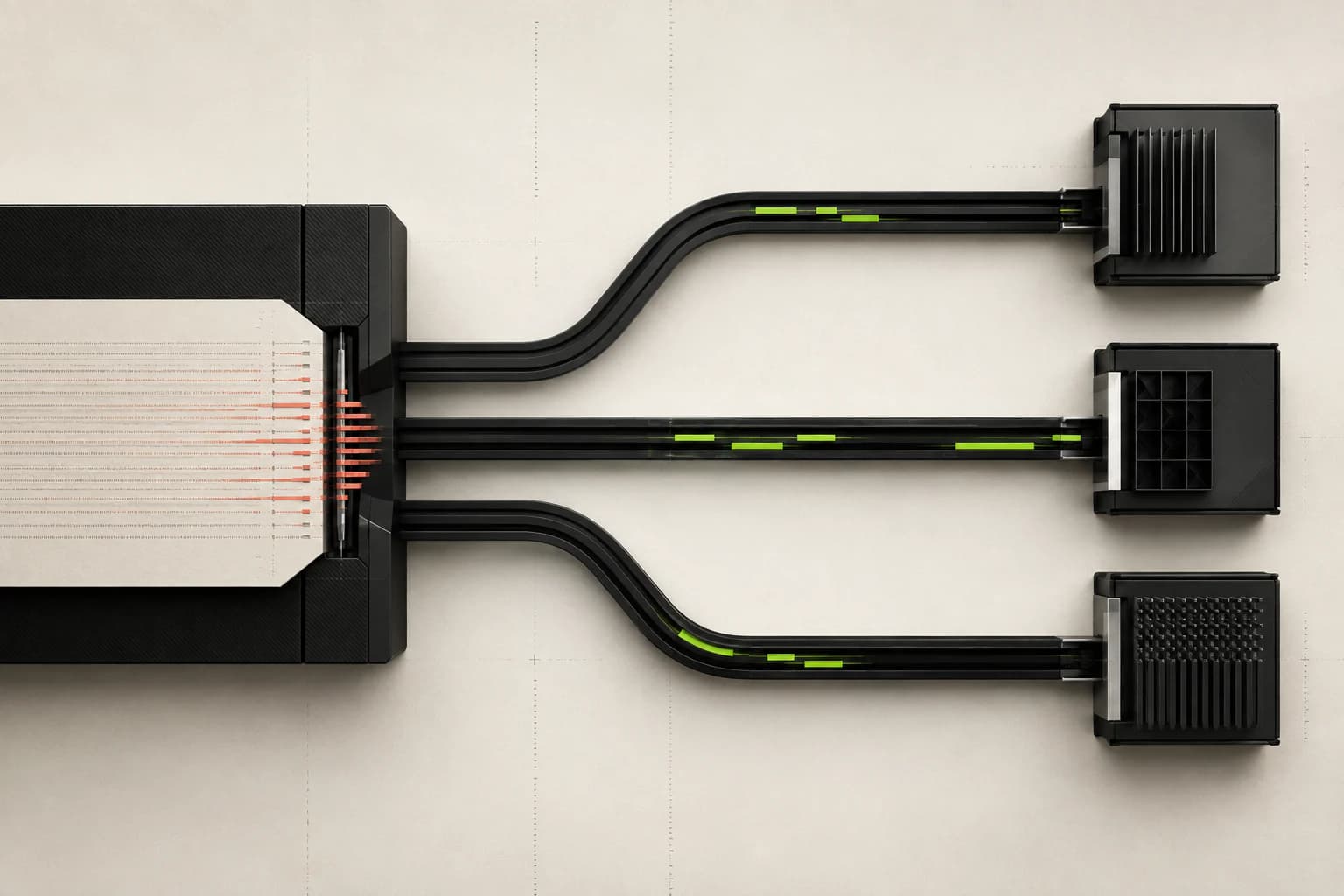
CHOOSE YOUR ENTRY POINT
Start in the browser, place the gateway inside a project, or mediate an agent's model and tool calls. Each route states exactly what is live now.
NO INSTALL / BROWSER LOCAL
Use the working browser lab to reduce a document to the facts an AI task actually needs. The source and identity mapping remain in the current tab.
Start with a synthetic case or document you are authorized to process. PDF, DOCX, TXT, Markdown, CSV, and JSON are extracted in browser memory within the published limits.
A narrow purpose lets SHREDDAR remove unrelated contact, financial, identity, and credential data.
Compare the private source, protected representation, simulated answer, local STITCH result, and metadata-only receipt.
The public lab does not call an external model. Copy the protected output only when it matches your intended boundary.
SOURCE     synthetic or authorized text
TASK       one explicit purpose
POLICY     balanced | strict | maximum
REVIEW     inspect OUTBOUND before use
EVIDENCE retain the metadata-only receiptAGENT INSTALLS / ONE PRIVACY BOUNDARY
OpenClaw, Hermes, Codex, Claude, and any MCP host use the same five safe tools. Copy a setup, download its config, and install one portable Agent Skill.
MCP + SKILL READY
Save SHREDDAR as an OpenClaw-managed MCP server, probe it before use, and install the reviewed privacy skill in the active workspace.
Export the local gateway URL and API key in the Gateway host environment.
Add the stdio server with only the five agent-safe tools enabled.
Probe the server before an agent turn so setup failures are visible.
Install the portable skill and start a fresh session to refresh the skill snapshot.
export SHREDDAR_API_URL=http://127.0.0.1:8787
export SHREDDAR_API_KEY='replace-with-local-gateway-key'

openclaw mcp add shreddar \
  --command /ABSOLUTE/PATH/TO/shreddar/backend/.venv/bin/shreddar-mcp \
  --include 'analyze,protect,shard,get_receipt,get_usage'
openclaw mcp doctor shreddar --probe

mkdir -p ./shreddar-privacy
curl -fsS https://shreddar.pro/integrations/shreddar-privacy/SKILL.md -o ./shreddar-privacy/SKILL.md
openclaw skills install ./shreddar-privacy --as shreddar-privacy
openclaw skills checkTHE OPERATING PATTERN
Integration changes where the privacy boundary runs—not the responsibility to define purpose, review output, and validate the deployment.
Describe the job before moving context. A narrower task gives the compiler a stronger basis for removing unrelated facts.
Run detection, policy, identity mappings, and reconstruction inside the browser or infrastructure you trust.
Review the protected representation before a model or tool receives it, then inspect returned output before STITCH.
Use privacy-minimized receipts for operations and debugging without turning prompts or Vault mappings into telemetry.
ALPHA BOUNDARY
Deterministic detection, task-aware transformation, local reconstruction, and metadata-only receipts run in the current tab.
Authenticated non-streaming chat, protect, reconstruct, policy, Vault, output guard, and receipt routes run inside deployer-controlled infrastructure.
A tested stdio server exposes five bounded tools. Copy and download setups are provided for OpenClaw, Hermes Agent, OpenAI Codex, and Claude Code.
The ACP blueprint is visible, but network identity, signer policy, posted rate, escrow, payment, and recovery evidence are required before activation.